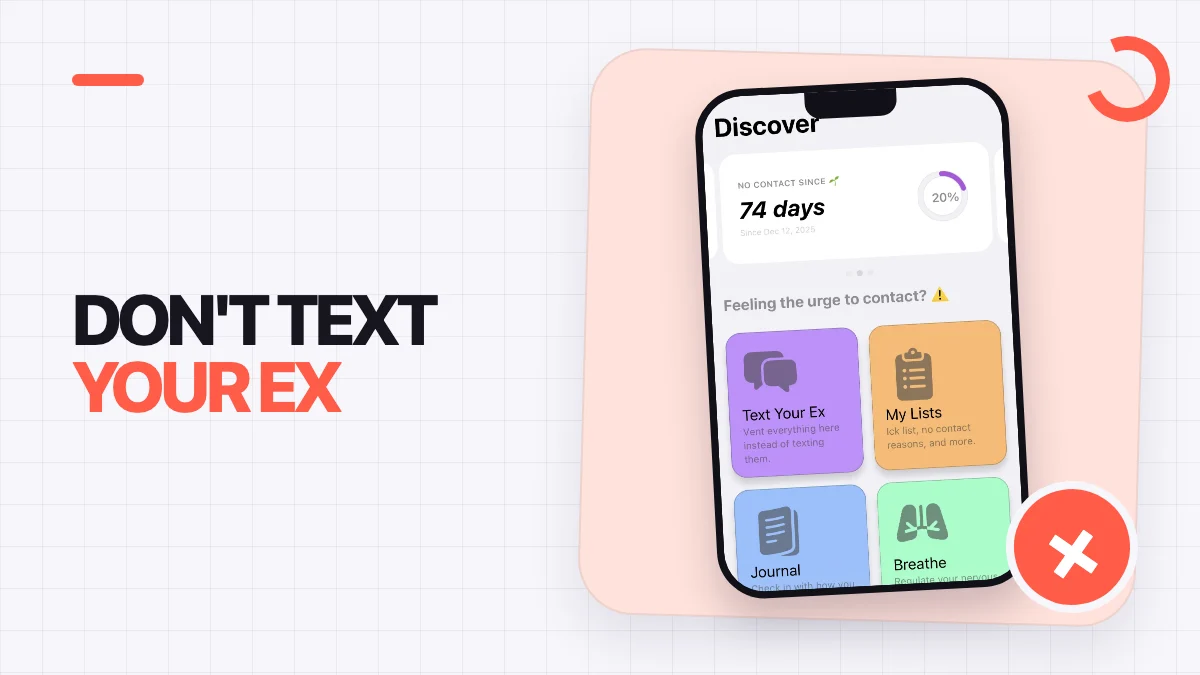

Quick answer
TL;DR
Open Start No Contact before the original conversation, write privately instead of sending, choose one SOS action, record an honest check-in, and adjust one trigger in your setup.
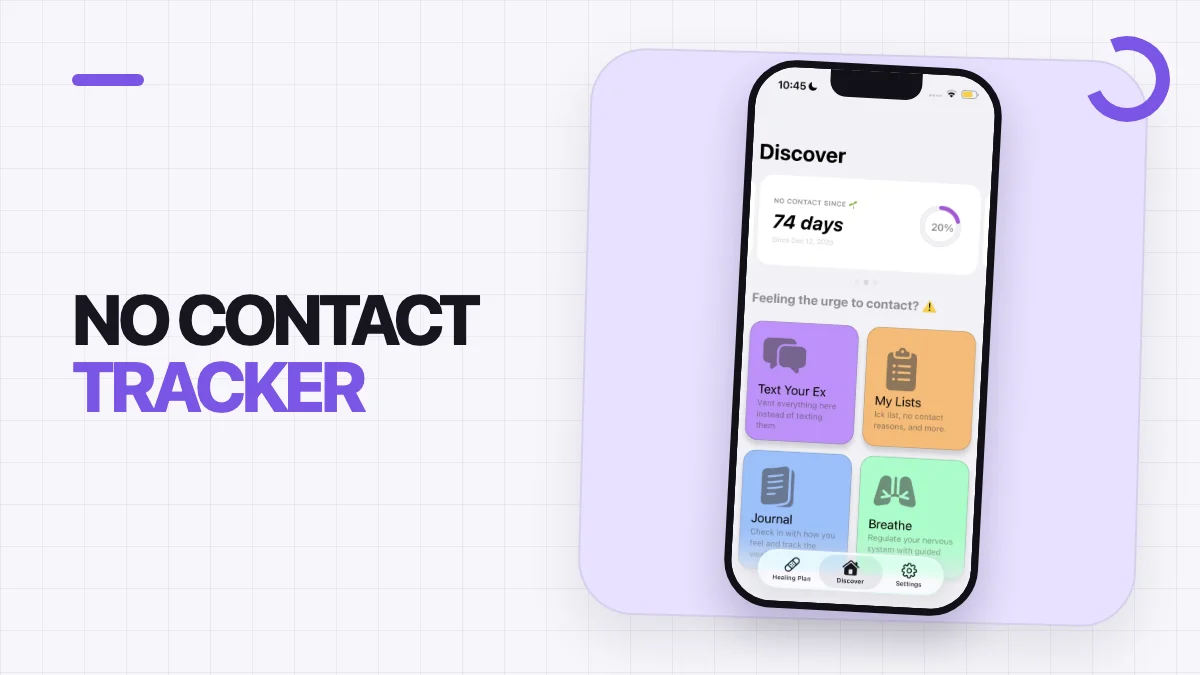
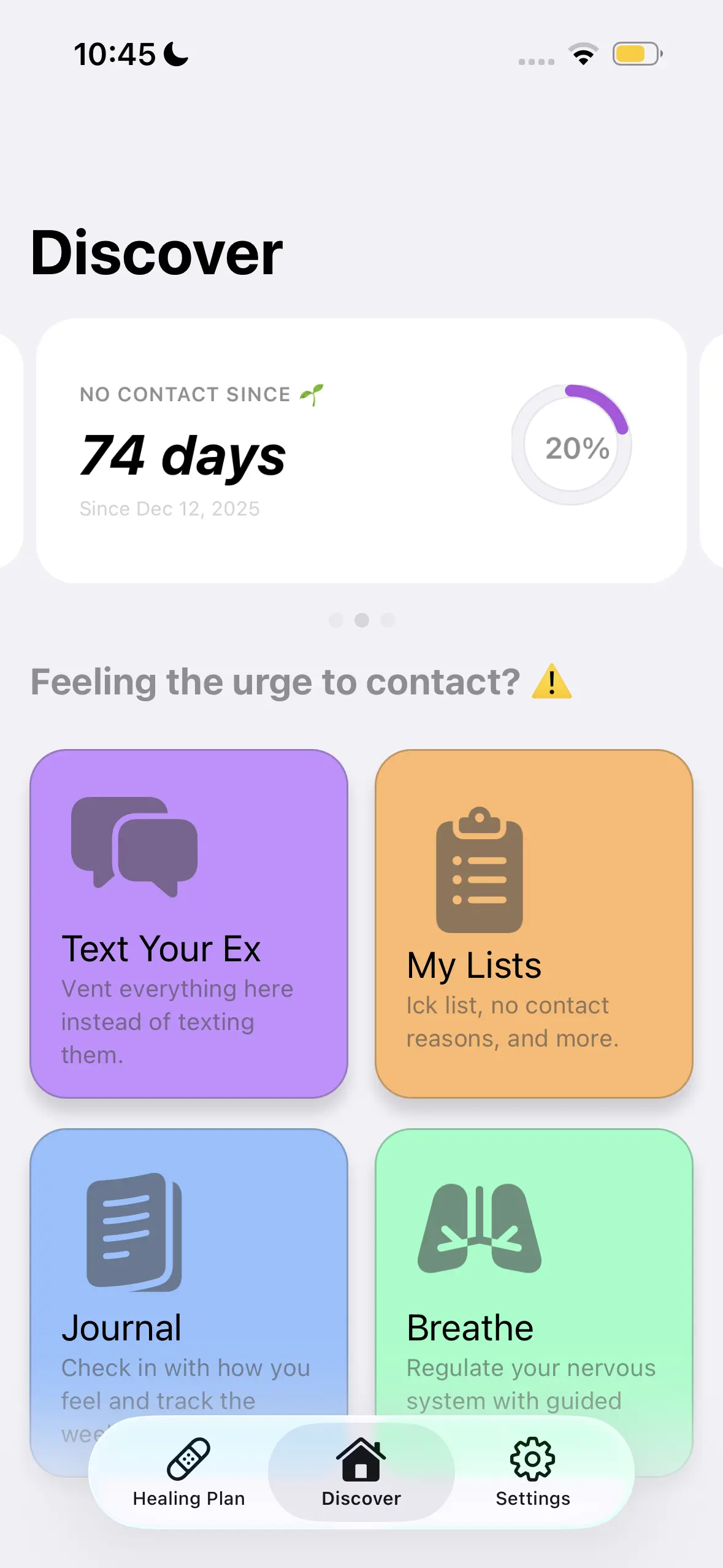
A no contact tracker is most useful when it gives you something clear to do before you open a chat, call, or social profile. Start No Contact combines a private writing space, a progress tracker, personal reasons, and a set of SOS tools in one iPhone app. The goal of this walkthrough is simple: open the app, record what is happening, keep the message private, and choose the next action that supports the boundary you already set.
This is a product tutorial, so you can follow it in order the first time and then keep only the steps that fit your routine.
Start with one clear reason
Before logging a check-in, write down why you chose no contact. Keep the wording concrete and personal. A useful reason describes what you want to protect, such as your attention, your evening routine, or the space you need to make a calm decision.
Inside Start No Contact, your reasons become something you can revisit when the impulse to reach out appears. You do not need a long essay. A short list is easier to scan in the moment.
Try this structure:
- What usually pulls me toward contact?
- What happens after I act on that impulse?
- What do I want to do differently this time?
- What small action can I take instead?
The Start No Contact product page describes this as a no-contact list that helps you remember why you started. Treat it as a practical reference, not a rule you have to phrase perfectly.
Put the unsent message somewhere private
When you have words you want to send, open the private writing space before opening the original conversation. Type the message as honestly as you need to, but leave it inside the app. This separates expression from delivery: you can capture the thought without creating a new exchange.
A useful unsent entry can include three parts:
- What I want to say right now.
- What triggered the urge to say it.
- What I will do after I close this note.
The third part matters because it turns writing into a transition. Your next step might be putting the phone down, changing rooms, starting a saved task, or opening one of the app’s SOS options. The product cannot block every channel, but it can place a deliberate action between the urge and the send button.
Record the check-in without judging it
Use the tracker to record what actually happened. Start No Contact supports check-ins for staying strong, having an urge, breaking contact, or having no check-in. Honest history is more useful than a perfect-looking streak because it shows patterns you can act on.
If contact happened, record it and continue. The app keeps the history so that starting again does not erase the information you already collected. Look at the entry as a data point: what came before it, what shortcut made contact easy, and what could be changed before the same situation returns?
Choose one SOS action
The SOS area is designed for the moment when deciding what to do feels harder than doing something. Pick one action instead of opening every tool at once. Available options shown on the product page include breathing, writing without sending, and rereading your reasons.
Use a compact decision rule:
| What is happening | Open this first | What to do next |
|---|---|---|
| You are already typing a message elsewhere | Private writing space | Copy the thought into an unsent note and close the original chat |
| You keep reopening the same profile | Personal reasons | Read the list, then remove the easiest shortcut back to the profile |
| You feel restless and cannot choose | Breathing tool | Finish the guided pause before deciding whether another action is needed |
| You already made contact | Tracker | Record it honestly and write one change for the next similar moment |
The table is not a test. It is a shortcut that reduces the number of decisions you need to make.
Review patterns, not just the streak
A streak can make progress visible, but the surrounding check-ins often contain the more useful information. Review which situations repeatedly lead to an urge. Look for practical details: a certain app shortcut, an unplanned evening, a notification, or a familiar scrolling routine.
Then change one part of the setup. You might move the original chat out of immediate reach, mute a profile, prepare an evening task, or place the Start No Contact app where it is easier to open first. Small setup changes make the preferred action more accessible the next time.
Build a repeatable routine
A simple routine is easier to reuse than a large plan. Start with this sequence:
- Open Start No Contact before the original conversation.
- Read your reason or write the unsent message.
- Use one SOS action if you still feel pulled toward contact.
- Record an honest check-in.
- Choose one ordinary activity that moves your attention elsewhere.
Over time, personalize the sequence. Keep the steps that consistently help you pause, and remove anything that adds noise. The app also offers a personalized plan with recurring tasks for boundaries, routines, and moving forward, so the immediate workflow can connect to a broader set of actions.
Keep the tool in its proper role
Start No Contact is a self-help and journaling product. It gives you a private place to write, a visible history, and structured alternatives to sending a message. It does not make decisions for you or prevent every form of contact. Use it as a practical layer between an impulse and an action, and use appropriate professional or emergency support when a situation requires help beyond an app.
The most useful first session is not the longest one. Add a clear reason, save one private unsent note, and complete one honest check-in. That is enough to make the next opening of the app immediately useful.
Frequently asked questions
Does the tracker send the message I write?
No. The private writing space is intended for unsent messages, so you can capture the thought without reopening the original conversation.
What should I record if I already made contact?
Record the contact honestly, note what happened immediately before it, and choose one practical change for the next similar situation. Starting again does not need to erase the history.
Do I have to use every SOS tool?
No. Choose the single action that best matches the moment, such as private writing, rereading your reasons, or using the breathing tool.